What is an Attorney Workpaper?
An Attorney Workpaper is a focused browser tool for one recurring matter question. The attorney enters the relevant facts and receives a calculation, timeline, checklist, comparison, or issue record that can be reviewed and saved with the file. Anonymous workpaper facts remain in that browser and are not carried into DocketBuddy when the attorney signs in.
- Evidence
- maintained answer
- Reviewed
- Aug 22, 2026
- Review note
- The browser-local fact boundary, sign-in handoff, private Preflight scope, and linked product path were checked against the current DocketBuddy build.
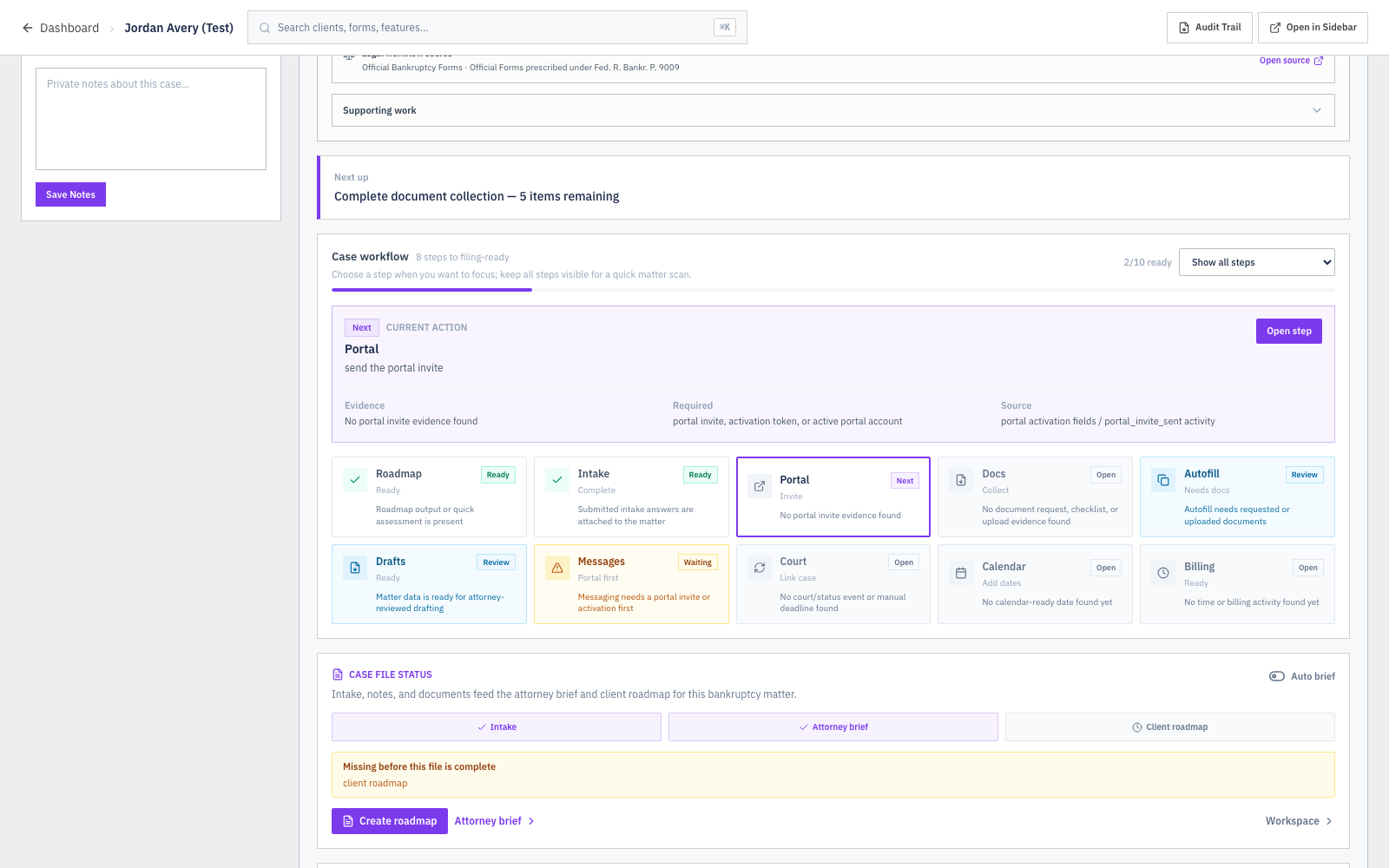
Fictional sample data shown; no client information
A narrow tool for a real piece of work
Each workpaper begins with a named task, such as comparing dates, organizing values, checking document coverage, or preparing a source list. It asks only for the facts needed for that task and presents the result in a format the attorney can review.
- Focused matter question
- Relevant fact fields
- Deterministic calculation or organization
- Reviewable workpaper output
- Next private-file check when one applies
What stays in the browser
Facts entered into an anonymous workpaper remain browser-local. DocketBuddy does not save those facts to an account or pass them through sign-in. The attorney can print or save the workpaper before leaving the page.
The next step
When a workpaper points to a related DocketBuddy Preflight, the selected Preflight destination and the visit attribution can survive sign-in. The workpaper facts do not. In the private firm workspace, the attorney starts the Preflight with the matter and files needed for that named check.
Questions
Does an Attorney Workpaper save client facts to DocketBuddy?
No. Anonymous workpaper facts remain browser-local and do not move through sign-in.
Can I use a workpaper without creating an account?
Yes. The public workpaper can be completed in the browser. An account is needed only when the attorney chooses to continue into a private DocketBuddy Preflight or another firm workspace.